Open it and write
The board runs in your browser, with nothing to install. Sign in with the same Google account you used for Jamboard.
Google shut Jamboard down on 31 December 2024. VBoard keeps what made it easy – open a board in your browser, write, share a link with your students – and adds what a lesson was missing: lesson control, individual student boards, ruled paper, geometry tools and a lesson library.
Runs in your browser · Free plan, no card required · Sign in with Google
Google announces it is winding Jamboard down.
The app becomes view-only: no new boards, no editing.
Jamboard closes. Jam files that were not exported are deleted.
Since 31 December 2024, Jamboard no longer opens at all, on the web, on phones or on Jamboard devices. Boards that were not exported in time cannot be recovered.
Google pointed users to FigJam, Lucidspark and Miro instead. Those are general collaboration boards, designed first for teams and workshops. A teacher needs something else: to see what every student is writing, to decide who writes on the board, to have the right ruled paper, to draw accurately in geometry and to find the lesson again next week.
If you taught with Jamboard, you will find your way around VBoard in your first lesson.
The board runs in your browser, with nothing to install. Sign in with the same Google account you used for Jamboard.
From the browser on a phone, tablet or laptop. They install nothing and can even join with a temporary account, just by typing their name.
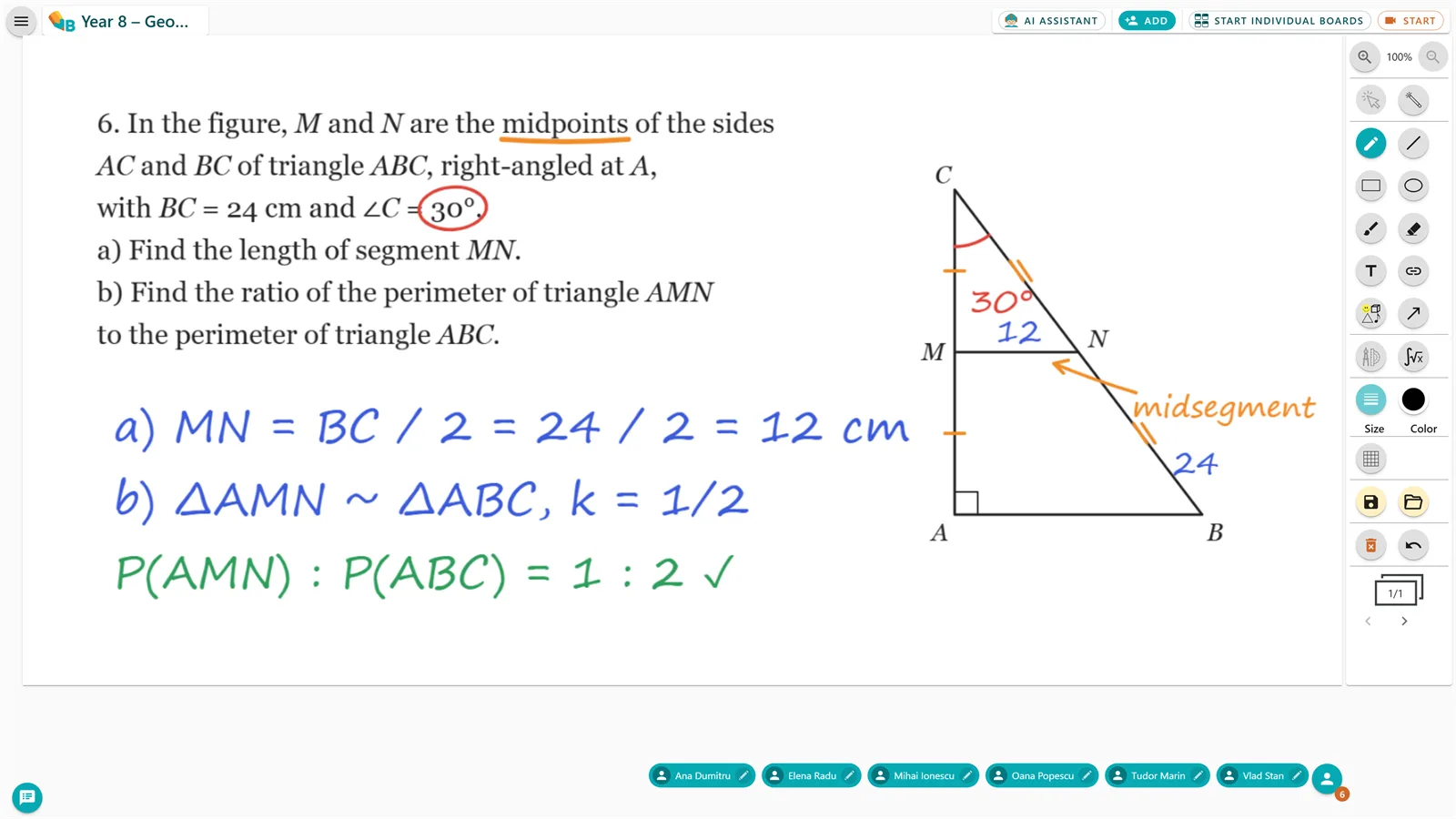
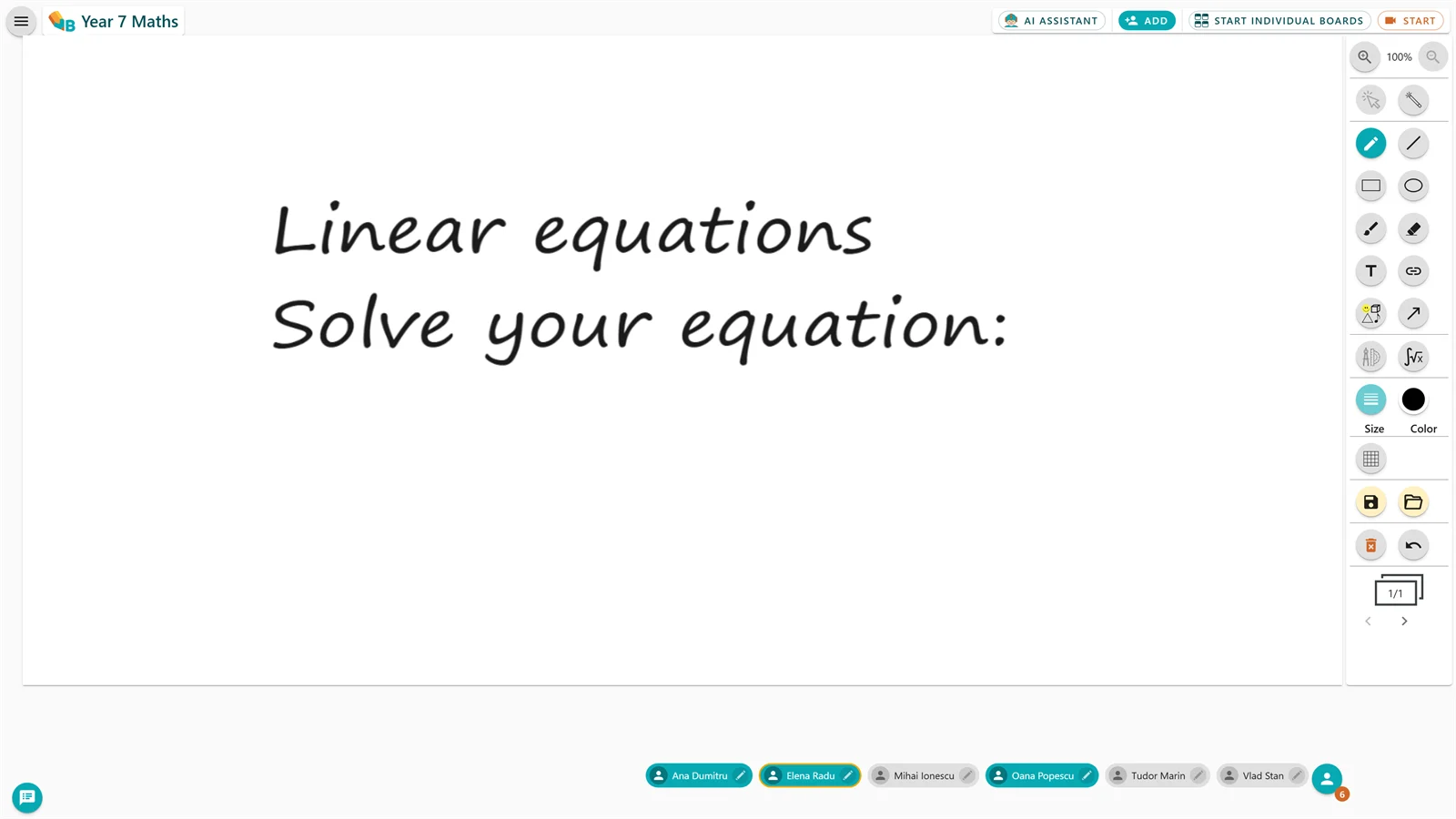
Write by hand, erase with a small or a large eraser, add shapes, and paste images or PDF pages straight onto the board.
VBoard opens in the browser of interactive boards and displays with web access, and there is a native app for Samsung Flip.
Three things teachers had to improvise in Jamboard, ready-made in VBoard.
In Jamboard, anyone with edit access could write or erase at any moment, and the only way to stop it was to change the file’s sharing permissions. In VBoard you control access to the board throughout the lesson, so you never stop teaching because someone drew over your explanation.
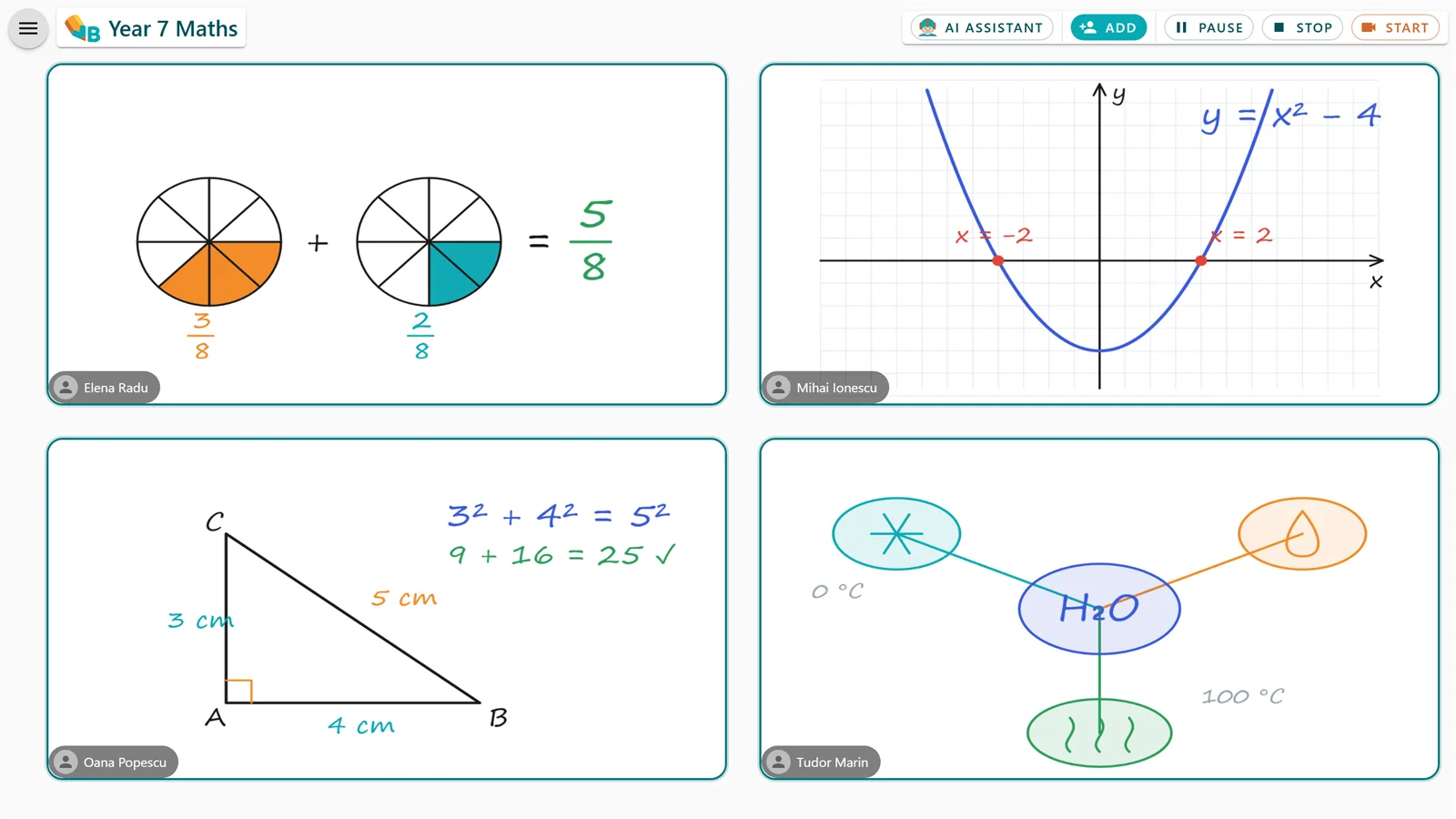
In Jamboard, many teachers made one frame per student and flicked from one to the next. In VBoard you start an individual-boards activity: each student works on their own board and you see them all on one screen.
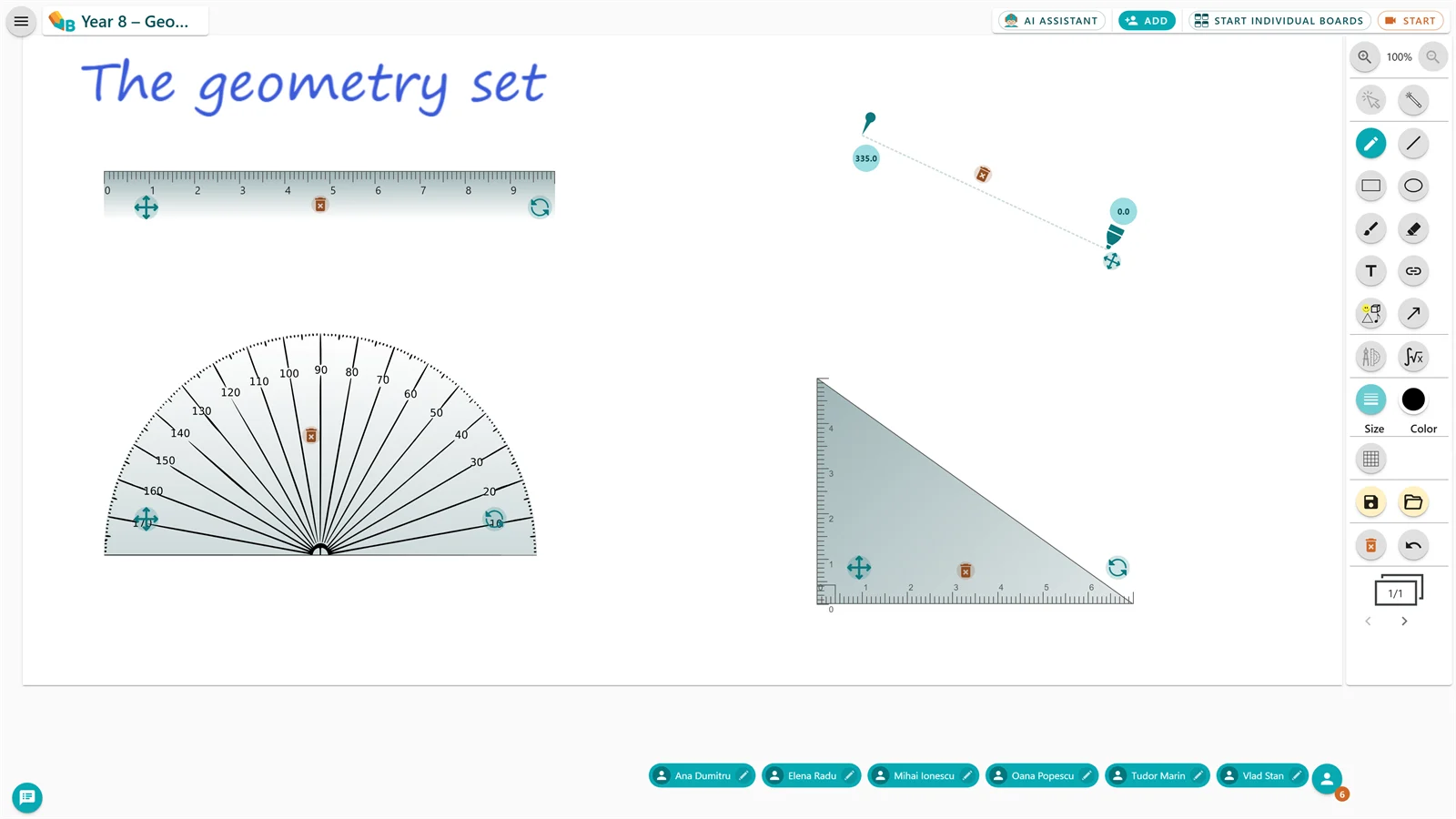
Jamboard had a few plain backgrounds. VBoard gives you the ruling you need, from a first-grade notebook to a music stave, and the four tools of the geometry set, all exact.
What Jamboard did before it closed, and what VBoard does today.
| Google Jamboard | VBoard | |
|---|---|---|
| Availability | Closed since 31 December 2024 | Live, with a free plan that never expires |
| Who writes on the board | Anyone with edit access, at any time | You decide; you give students the pen one at a time, with a click |
| Individual boards for students | No; many teachers made one frame per student | Yes; each student works on their own board and you see them all |
| Ruled paper | A few backgrounds: dots, lines, squares | Special rulings, from a first-grade notebook to a music stave |
| Geometry tools | No | Ruler, protractor, compass and set square |
| Audio and video calls | Separate, through Google Meet | Starts from the call button on the board |
| Saved lessons | Jam files in Google Drive | A personal library with tags and folders |
| Export | PDF or image | PDF for the main board and for the individual boards |
| Maths formulas | No | Converts handwritten formulas to clean type |
| AI assistant | No | Exercises and explanations generated for your subject and grade |
Some VBoard features – individual boards, PDF download, audio and video calls, the formula converter and the AI tools – depend on your plan. See plans and pricing.
Four steps, nothing to install.
Sign in with Google, Microsoft or Facebook. The Free plan asks for no card and never expires.
Jams you saved as PDFs or images load from the board’s open menu. Pick the page and write straight over it.
Create a group for the class and send the link. Students join from the browser, on any device.
The board stays in your library, ready to reopen next lesson or with another class.
“When Google Jamboard was retired I went looking for another virtual board. I am glad I found VBoard: it helps me every day, in class and beyond. It has every feature I want, down to a small eraser so I do not wipe out the symbols next to the one I am fixing.”
What teachers who used Jamboard ask first.
Open something you are teaching this week and see how quickly it’s ready for class.
Start for free